Install our Blender extensions
There are several way to get our addon.
Get the addon directly in Blender (easiest & recommended)
Set our repository in your Blender preferences
Go to Preferences menu, then choose Get extensions
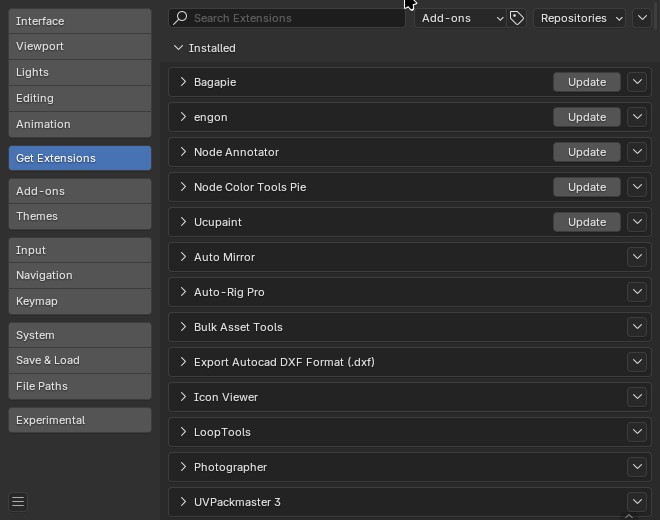
In top-right corner, click on Repositories and then on the Add remote repository
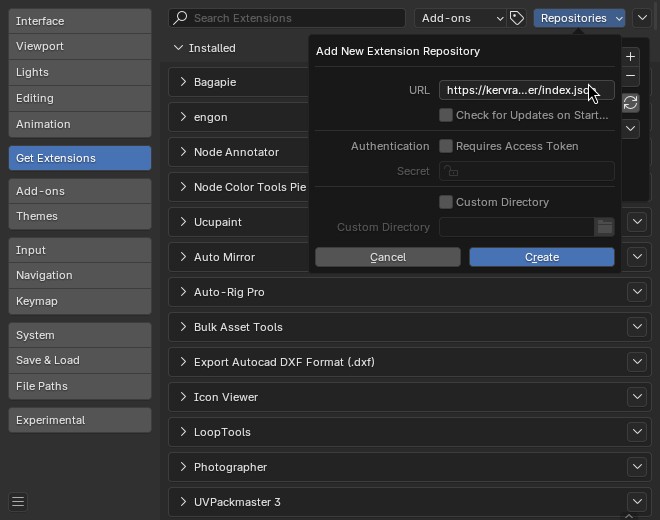
Enter https://extensions.niwl.games/index.json as the URL. Leave other fields as is.
Then find the extension you want to install in the list (or type its name on the top left search zone) and click on Install.
Access to any of our addons
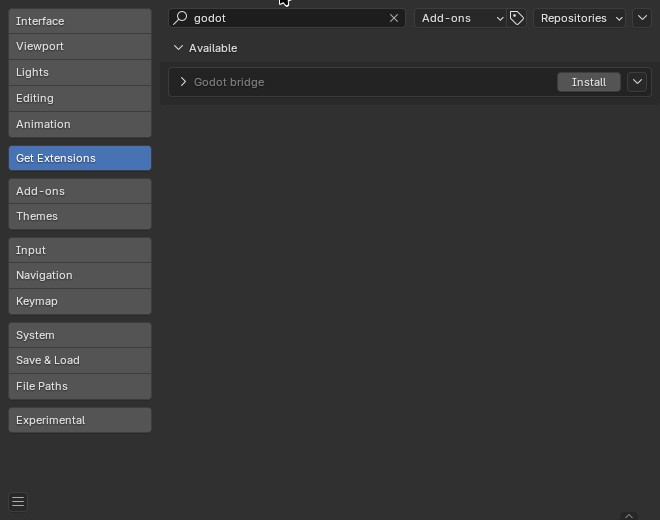
For now, you will get from us Dream UV and Godot bridge.